
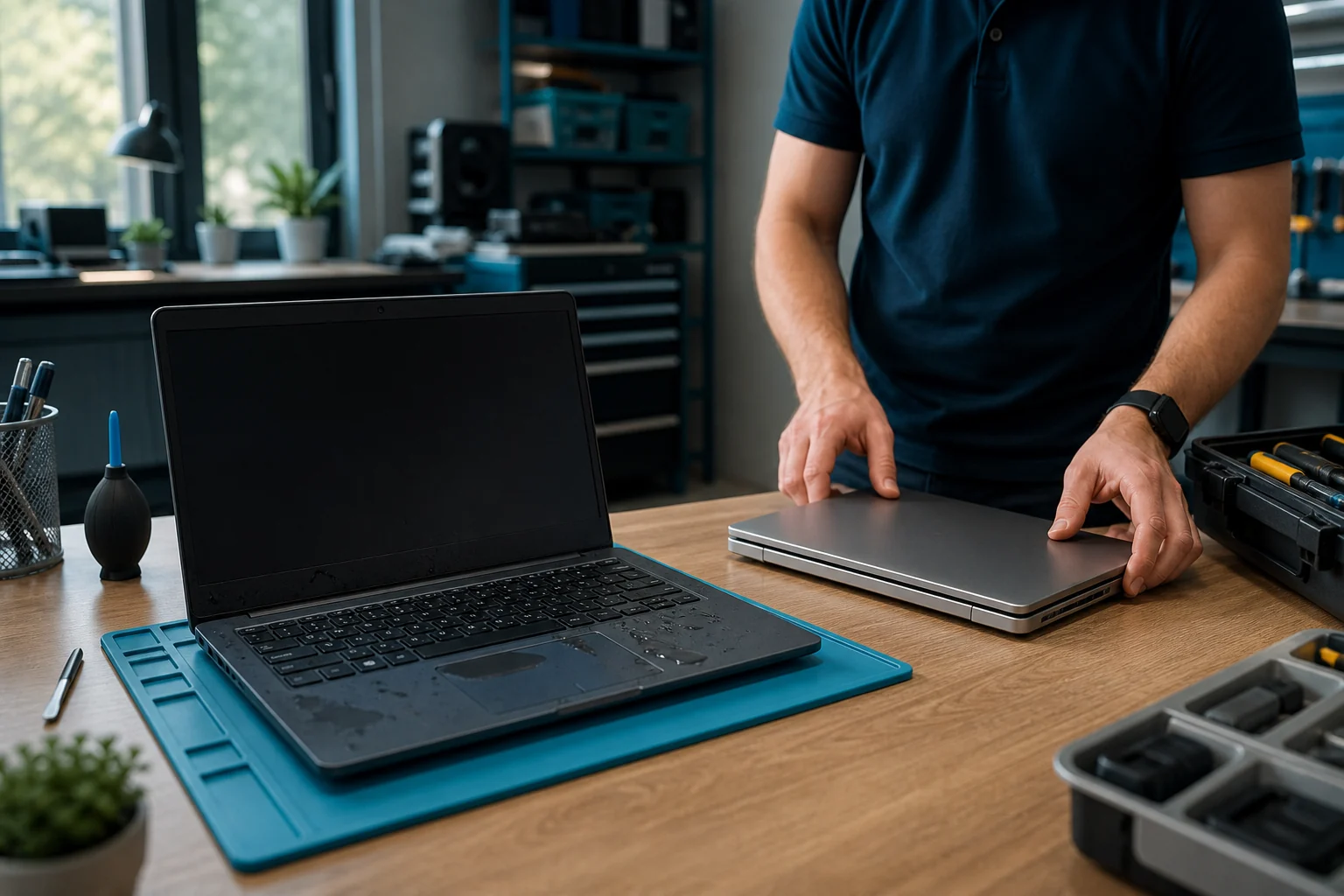
Good laptop support does not begin with a screwdriver. It begins with a clear answer to a more urgent question: how does the user get back to safe, productive work?
I learned that when my cat Popov knocked half a litre of hot mint tea over my work laptop.
A February 2026 lesson in business continuity
In February 2026, Popov slipped into my office, jumped onto the desk and sent a large mug of tea across my HP EliteBook, phones and notebook. The laptop was completely bricked.
My first reaction was predictable: frustration, some swearing and the thought, “How painful is this about to be?”
Then the important part happened. Once I reported the damage, I stopped worrying because there was a process and somebody owned the next step.
When I arrived at Cantel's Leeds office on Monday, Oli, one of the engineers, assessed the damaged device and provided a spare. Microsoft 365 was pushed to it and I was working within 15 minutes of arriving.
The original EliteBook was not worth repairing. Its motherboard and screen were damaged, and the replacement parts would have cost more than a refurbished replacement laptop. The drive was removed and its data erased before the device was dealt with as beyond economic repair.
This was Cantel handling its own equipment, not a service delivered under a customer contract. Internally, the incident was treated as a Monday–Friday, 9–5, next-business-day replacement workflow. That distinction matters: it is a real example of a good outcome, but it is not a promise that every customer or device automatically receives the same response.
That is the difference between repairing a device and restoring a service.
The original story prompted 17 reactions, six comments and 920 impressions on LinkedIn. The response made sense to me: almost everybody has a damaged-laptop story, but fewer organisations have designed what should happen next.
The expensive part may not be the laptop
A device failure creates several costs at once:
- the repair or replacement;
- the user's lost working time;
- service-desk and management effort;
- collection, shipping and reconfiguration;
- access restoration and security checks;
- data recovery, sanitisation or disposal; and
- a missed customer or operational commitment.
For a mobile worker, leader or specialist, the device price may be smaller than the disruption. A service should therefore be designed around restoration time and business impact, not just the warranty status of the serial number.
What should happen after accidental damage?
1. Make reporting obvious
The user needs one route and simple instructions. Capture the asset, location, damage, user impact and any immediate electrical, battery or data concern. A liquid-damaged device should not be repeatedly powered on in the hope that it recovers.
2. Triage the contractual route
Warranty, accidental-damage protection, third-party support and a chargeable repair are not interchangeable. The service desk should be able to identify which route applies rather than making the user negotiate between providers.
3. Restore the user
The fastest safe answer may be a prepared spare, an agreed loan unit, a replacement device or temporary access to an approved workspace. The organisation should decide this before the incident, including how identity, applications and data are restored.
4. Handle the damaged device securely
Collection, packaging, chain of custody and data-bearing components remain important even when the laptop appears dead. The service must define who can access the device, who owns recovery, how drives are sanitised, and what evidence is retained.
5. Diagnose and decide
Repair may be economic; replacement may be safer; parts may be unavailable; or the device may need specialist handling. The decision should consider age, configuration, security, data, parts, labour and the user's required restoration time.
6. Rebuild or replace to a known standard
A spare is useful only if it can be issued safely. Device management, encryption, endpoint security, applications, user access and asset records need a repeatable build and handover process.
7. Learn from the incident
One mug of tea is an accident. A pattern of liquid damage, hinge failures, battery faults or charging-port damage is information. It may change workspace guidance, the device standard, spares levels or the contracted service.
The manufacturer does not remove the need for service design
The damaged device in this story was an HP EliteBook, not a Lenovo laptop. Current Lenovo estate discussions are separate, and neither example should be used to imply a relationship or outcome that has not been agreed.
Whether an organisation is discussing HP, Lenovo or another business-device range, the logo does not answer the support question.
Buyers should ask:
- Which exact models and configurations are in the estate?
- What does the standard warranty cover, and is accidental damage separate?
- Which faults can be handled remotely, at a depot or onsite?
- Are parts, labour, collection and return included?
- Who supplies, owns and configures replacement devices?
- How are home workers and small sites restored?
- What is the service clock: acknowledgement, engineer attendance or user restoration?
- What happens to data-bearing components?
Answers can vary by model, country, warranty and purchased service. They need to be written into the proposal rather than inferred from a manufacturer name.
What should an EUC contract state explicitly?
Mark each item as included, optional or excluded:
- accidental and liquid damage;
- remote diagnosis and user support;
- parts and labour;
- courier collection and return;
- onsite attendance;
- spare, loan or replacement devices;
- device build and enrolment;
- data recovery, erasure and destruction;
- normal and out-of-hours coverage;
- home-worker and satellite-site logistics;
- escalation, reporting and service credits; and
- the customer's own responsibilities.
“Fully managed” is not a scope. A useful contract says who does what, where, when and with which exclusions.
How Myrmekes and Cantel fit
Myrmekes helps organisations turn a device inventory, user geography and business requirement into a support scope that can be priced and compared. UK support delivery is provided through Cantel's engineering network, with the proposed assets, locations, parts, response and accountable delivery route confirmed for the engagement.
The Popov incident shows what clear ownership, engineering access, a spare device and a repeatable software-deployment process can achieve. It does not establish a standard customer SLA. Accidental damage, service hours, response targets, replacement stock, software deployment and data handling apply only where the customer agreement includes them.
If you are reviewing a Lenovo or mixed laptop estate, start with the inventory, user locations, current cover and acceptable restoration times. A short scoping conversation can identify which questions need answering before anybody proposes a contract.
Sources
- Duncan Brown's original LinkedIn post, 2 February 2026
- Myrmekes EUC support
- NCSC guidance on purchasing devices
- NCSC guidance on erasing devices
Plan for the next damaged device
Bring the device mix, user locations, current cover and acceptable restoration times. We can help identify the support and spare-device questions that need answering.
Scope restoration time and spare-device cover.